
This blog ran on WordPress from August 2009. Seventeen years, 216 posts and 591 comments, all sitting on a platform that wanted patching, updating and watching over.
It is now a static site. Every page here is a plain HTML file. There is no database, no plugins, no admin login to protect and nothing to keep patched.
Nothing was lost in the move. Every post, every comment, every recoverable image and every URL came across intact.
Here is how it was done, and who did what.
Who Actually Did The Work
Worth saying at the top, because what follows describes a great deal of work and very little of it was typed by me.
The look of the site came out of Claude Design, working to a brief I set and revised: the layout, the feel of it, the dark mode, what belonged on each page.
The conversion itself was managed by Claude Fable. It ran the steps below more or less as they are written here, and my part was to direct it rather than to do it. Since the site went live I have been feeding in corrections and improvements, which is how this section came to exist at all.
The technical account below is accurate. The division of labour is the part I wanted to be straight about.
Why Move Away From WordPress At All?
WordPress served this site faithfully for seventeen years, and it is still the right answer for a busy site publishing something new every week.
But this blog is an archive now. The most recent post before this one went up in December 2022, and an archive does not need a database query to show a post from 2011. The post is not going to change.
What an archive does need is to stay online, stay fast and stay secure with as close to zero maintenance as possible. A static site gives all three, and the hosting bill stays exactly the same while the moving parts drop to nil.
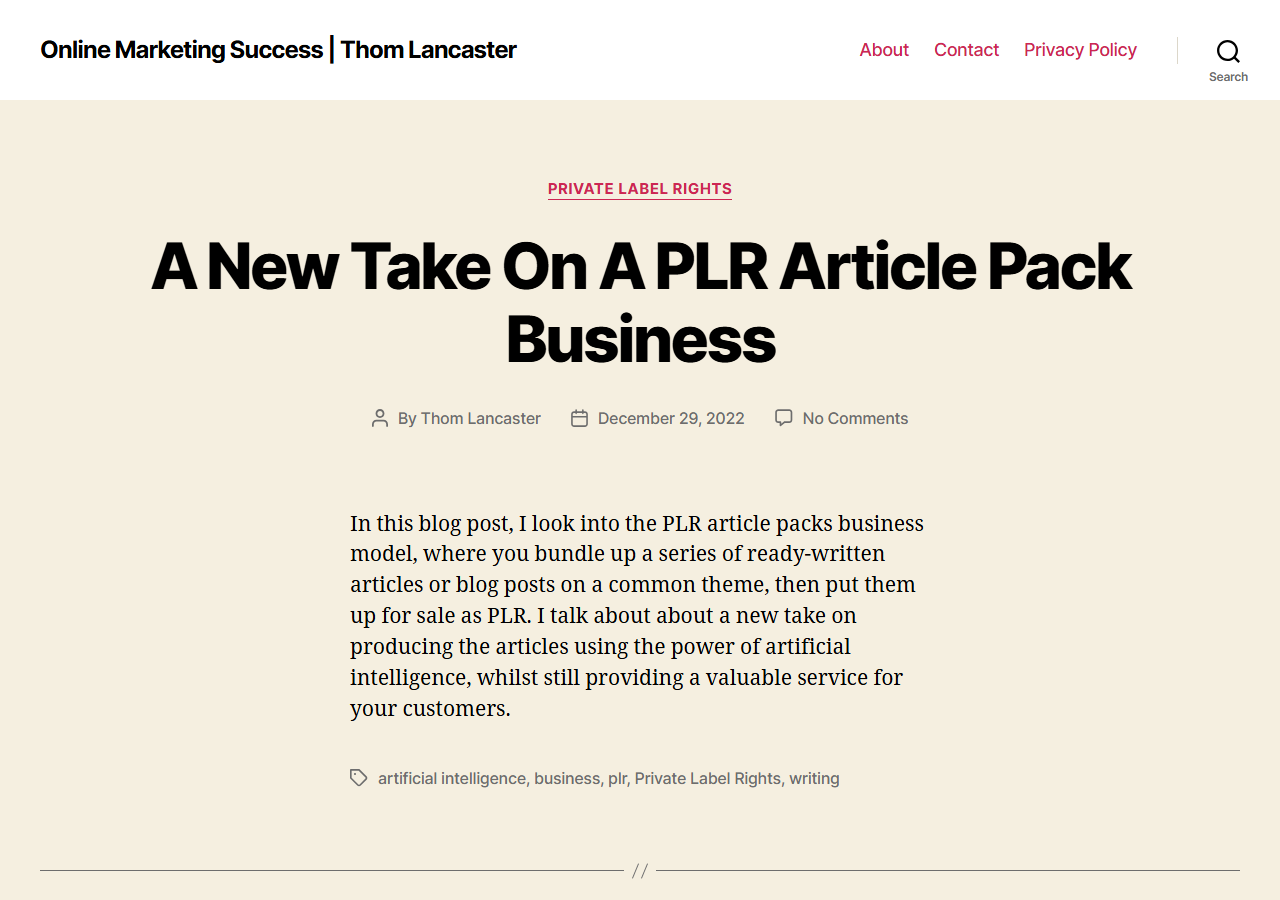
The old site the day before the move, running WordPress on the stock Twenty Twenty theme, untouched since 2022.
Step One: Get Everything Out Of WordPress
The good news is that WordPress is very willing to give your content back.
Two routes were used at once, belt and braces. The built-in export tool (Tools, then Export, in the dashboard) produces a single XML file containing every post, page and comment, about 2.6MB in this case. The REST API that ships with every modern WordPress site returns the same content as structured data that a program can work with directly.
Between the two, the final count was 216 posts, 3 pages, 591 comments and another 120 pingbacks from other blogs. Everything went into version control before a single thing was changed. If you attempt this yourself, take the full backup first.
Step Two: Hunt Down The Missing Images
Here is the part nobody had allowed for. Seventeen years of hosting moves and theme changes had quietly eaten some of the images, and the posts referenced dozens of files that were no longer on the server at all.
The fix was the Wayback Machine at archive.org, which had faithfully kept most of them. Over 70 images came back that way: old ebook covers, screenshots of long gone forums, the lot.
Four could not be found in any archive. Rather than leave broken image icons scattered through the posts, each of those now shows a short note saying the image is lost to time, along with its original description.
The Nasty Surprise Hiding In The Database
Then came the genuine shock. Reading through the exported posts turned up sentences that were never written here: links to online casino sites, spliced mid paragraph into old posts. At some point around 2022 the WordPress database had been quietly compromised, and spam had been injected directly into the post content. A second wave had done the same thing with French and Italian pharmacy spam.
It was subtle stuff. The site looked completely normal at a glance and, with the blog being quiet, nobody had noticed a thing. Twenty five posts were affected. Twenty two had spam spliced into text that was otherwise intact, and three had it worst of all: the whole article replaced, top to bottom, one with casino spam and two with pharmacy spam.
Every injected sentence was tracked down and stripped out during the conversion, matched on the spam links themselves rather than on keywords, so none of the original writing was touched. The three destroyed posts were recovered from clean 2019 copies in the Wayback Machine and are back online today, each with a note at the foot explaining where the text came from.
There is an accidental moral in there. A static site has no database to inject spam into, so this particular problem simply cannot happen again. If you run an older WordPress site, it is worth searching your own post content for links you do not recognise.
Step Three: Let The AI Do The Heavy Lifting
Nobody hand coded 600 pages, and nobody signed up to a monthly site builder either.
Claude wrote a small site generator from scratch in plain JavaScript, with no frameworks and no dependencies to go stale, which reads the exported content and writes out the finished site. That is 216 posts, 19 topic pages, 354 tag pages and all the rest, over 600 pages in total, rebuilt from source in about two seconds flat.
The look you are reading it in came out of the same family of tools, dark mode toggle in the top corner included.
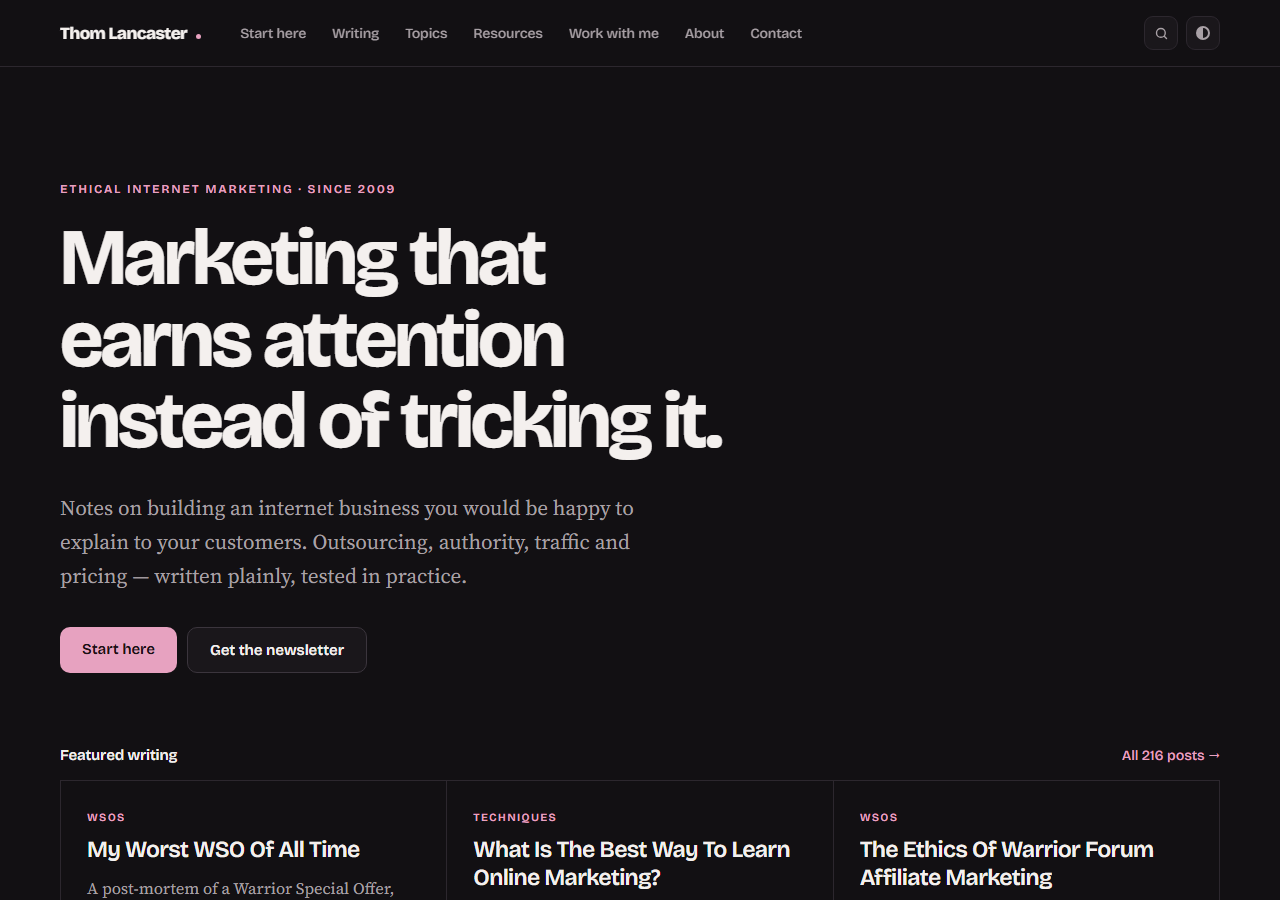
The new homepage. Same content, same address, not a database in sight.
Two rules were set at the start and neither of them was negotiable. First, every URL had to stay exactly the same. Seventeen years of links from other sites are worth protecting, and all 594 addresses on this site work today precisely as they did last month. Second, the comments had to survive. They are closed now, this being an archive, but every single one is still sitting on the post where you left it.
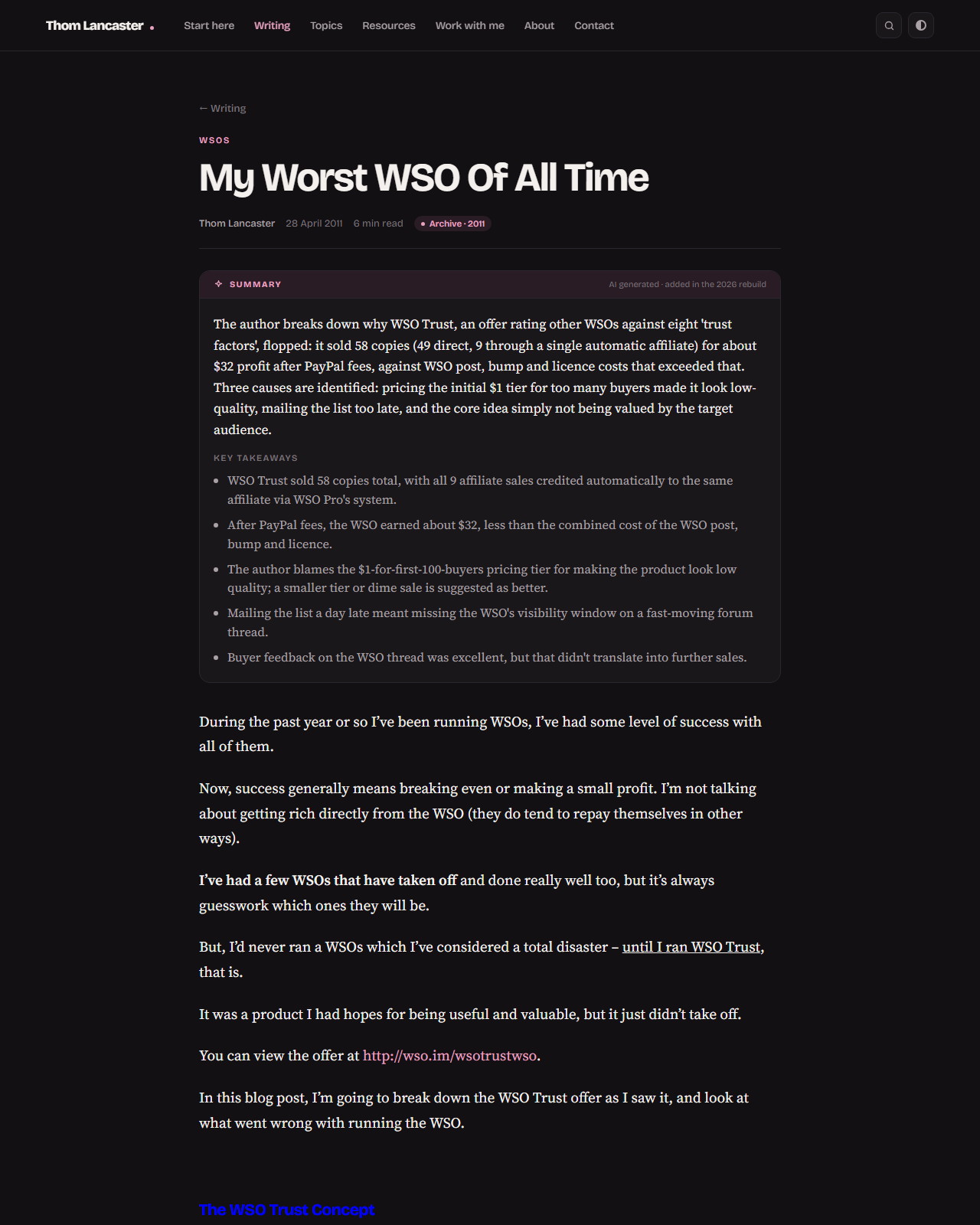
A post from 2011 on the new site: original text preserved, comments intact, and a clearly labelled AI summary on top.
Step Four: Make The Site Readable For AI Too
It is 2026, and a fair share of any website's readers are not people any more. They are AI assistants reading on someone's behalf.
So the new site carries an llms.txt file (think robots.txt, but as a guide for AI readers), a machine readable index of every post, and structured data describing each article to search engines. Older posts also open with a short summary written by AI and labelled as such. The text underneath is the original writing, tidied only where the years demanded it: the injected spam cut out, garbled characters repaired, and section headings restored to posts that had lost theirs.
Whether you find that exciting or slightly unsettling, it is where the web is heading, and it costs nothing to be ready for it.
Step Five: Put It Live
The finished site lives in a private GitHub repository, and the hosting pulls straight from there. When something needs changing, the file changes and gets pushed, and the site updates itself. There is no FTP and no admin dashboard.
And because the whole site is just files, moving host in future would be an afternoon's job rather than a fortnight's.
So there you have it: export everything, rescue the images, generate the pages, add the AI friendly extras and deploy from GitHub. Seventeen years of writing, safely moved into a form that should outlast any particular platform, plugin or fashion.
Over To You
Are you sitting on an old WordPress site you would rather preserve than keep patching? Have you tried handing a job this size to an AI assistant yet?
And if you spot something broken on the new site, or a post that has not survived the move as well as it should have, the contact page is the place to tell me.
Frequently asked
AI generated from this post.


